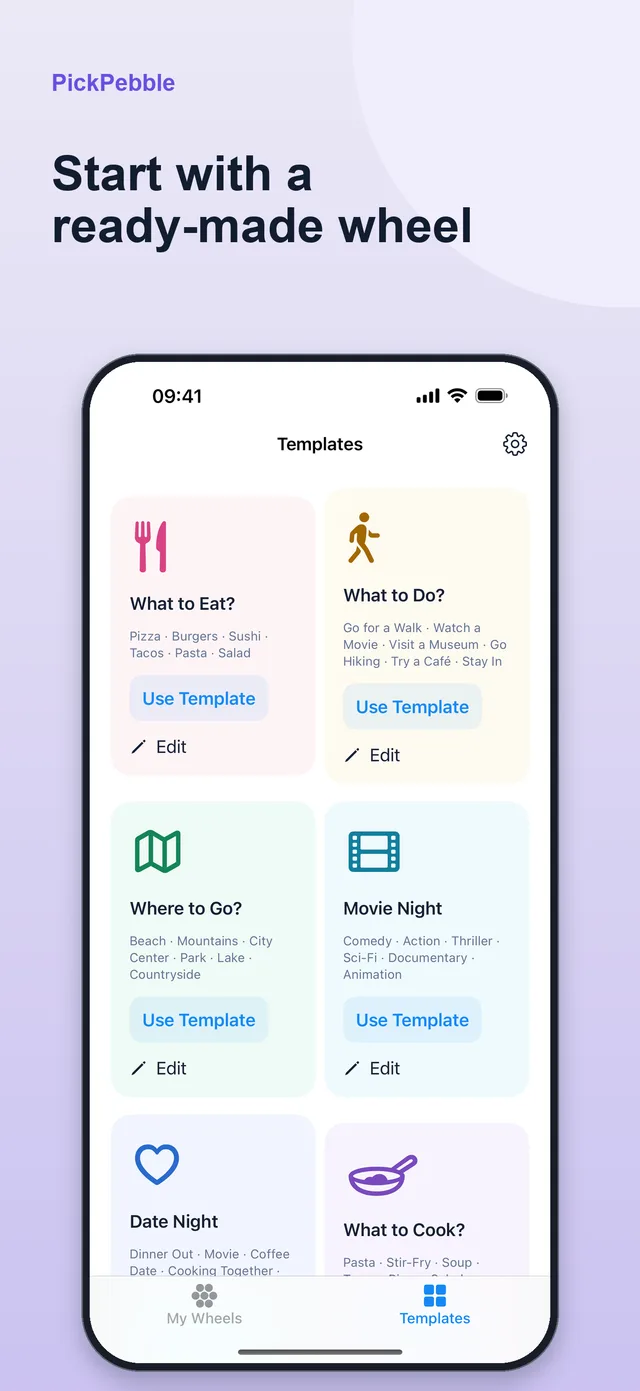
How to Use a Decision Wheel to Pick Dinner or a Movie
Use PickPebble on iPhone or iPad to give dinner, movie, or game-night options an equal chance and save the list for next time.
Read article →

Pick a restaurant, choose a movie, or decide who goes first. Save up to 30 options per list and choose from five ways to reveal the result.

Open in the App Store
Use PickPebble when several options would work and you want to give each the same chance.
Every feature exists to eliminate friction, protect your time, and solve the task cleanly.
Add two or more options and tap Pick. The wheel shows the selected option. Picking again can return the same result.
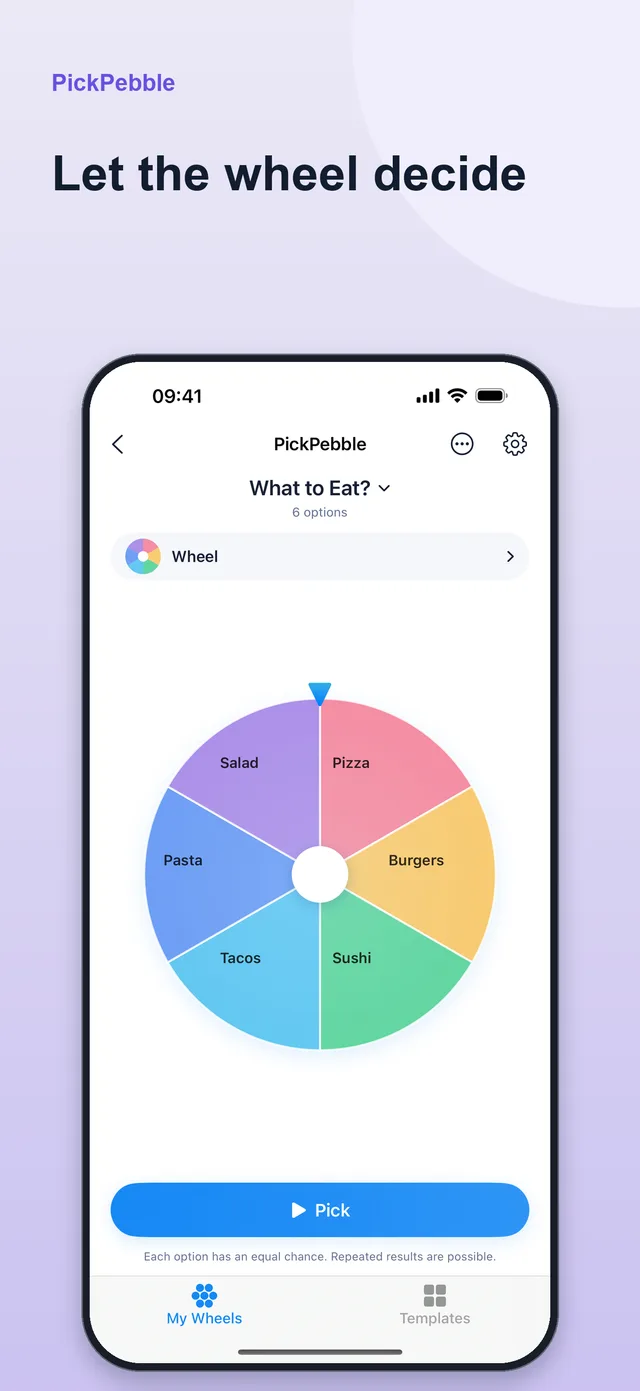
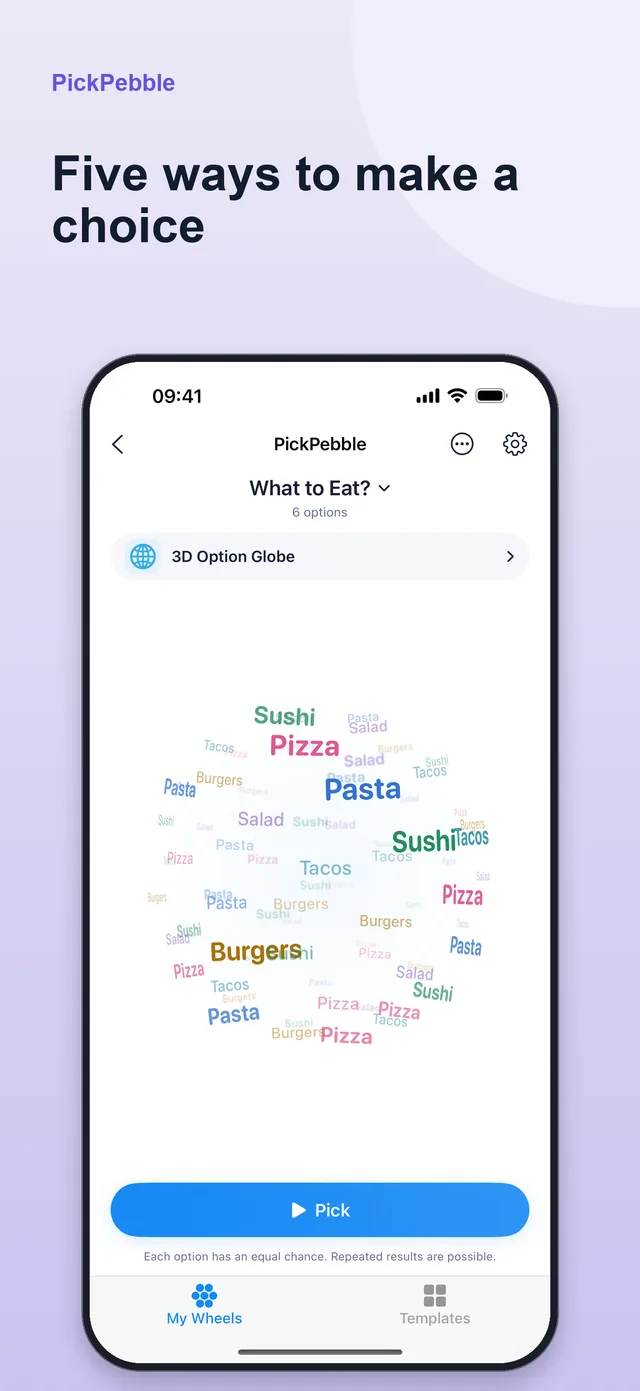
Switch between a spinning wheel, text reel, tag cloud, card shuffle, or 3D option globe.
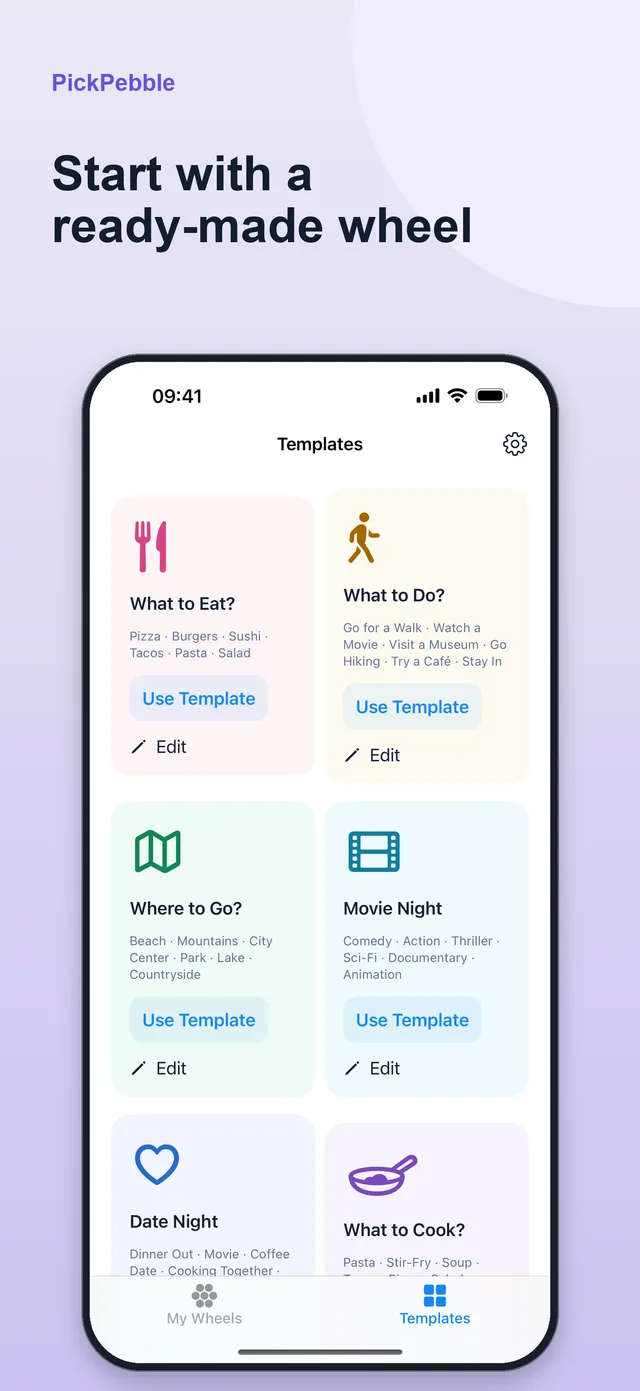
Start with a built-in template or save a wheel in My Wheels. Duplicate a list if you want to change a few options for another group.
Explore the actual interface designed for iOS and macOS. No mock placeholders—experience genuine screens built for speed and calm clarity.
An example wheel with six meal choices.
Designed so recording takes seconds, and finding answers takes no cognitive effort.
Start a new wheel, paste a list, or copy a built-in template.
Use the wheel, text reel, tag cloud, card shuffle, or 3D option globe.
Read the result and save the wheel if you need it again.
No venture-backed bloat. Just fast, private, native software engineered with deep respect for your attention.
Create, rename, and duplicate your lists from My Wheels.
Make picks and manage saved wheels without an account or internet connection.
Detailed guide to everyday workflows, privacy design, and pro features.
Add the places you want to eat, the movies you want to watch, or the people who could go first in a game. Press Pick and give each option the same chance. A second pick can return the same answer.
Use a built-in template as a starting point, paste several options at once, or re-open a wheel you saved in My Wheels. You can duplicate a wheel before changing it for a different group.
Use a wheel, text reel, tag cloud, card shuffle, or 3D option globe. All five are included in the free app and work offline.
Tips, walkthroughs, and release news for PickPebble: Decision Wheel.
Free to download and start. Honest pricing with zero hidden fees.
Create, save, and use wheels with all five picker styles. No account, ads, or subscription.
Leave a tip through the App Store to support development. Tips do not unlock features.
PickPebble supports 2–30 options per wheel. Enter options individually or paste a list.
Every option on the current list has the same chance of being selected. A repeated result is possible when you pick again.
Choose a spinning wheel, text reel, tag cloud, card shuffle, or 3D option globe. Every style uses the same selection rule.
Yes. Save your lists in My Wheels, or edit a copy of a built-in template. You can also rename and duplicate saved wheels.
You can create lists and pick options offline. Your wheels are stored on your device. Optional App Store tips require a connection.
Completely free download. Enjoy all features with zero advertisements, paywalls, or subscriptions.
Open in the App Store
Explore other single-purpose utilities created by dofun.app.

Explain food allergies clearly when dining out or traveling abroad.

Find anything in any box without opening it. Visual storage box organizer with photos, descriptions, and instant QR scanning.
Compare unit prices and find the better deal before you buy.