
How to Use a Decision Wheel to Pick Dinner or a Movie
Use PickPebble on iPhone or iPad to give dinner, movie, or game-night options an equal chance and save the list for next time.
It is 7:15 PM on a Wednesday. You and your partner have both worked eight hours, answered dozens of emails, and solved work problems all day. You collapse on the couch, hungry and exhausted.
Then begins the ritual dialogue:
“What do you want to eat for dinner?"
"I don’t mind. Whatever you want."
"How about Thai?"
"Eh, we had noodles two days ago."
"Mexican?"
"Too heavy for a Wednesday."
"Pizza?"
"I’m trying to cut back on carbs."
"Okay, so what do you suggest?"
"I told you, anything is fine!”
Thirty-five minutes later, you are both still staring at delivery apps.
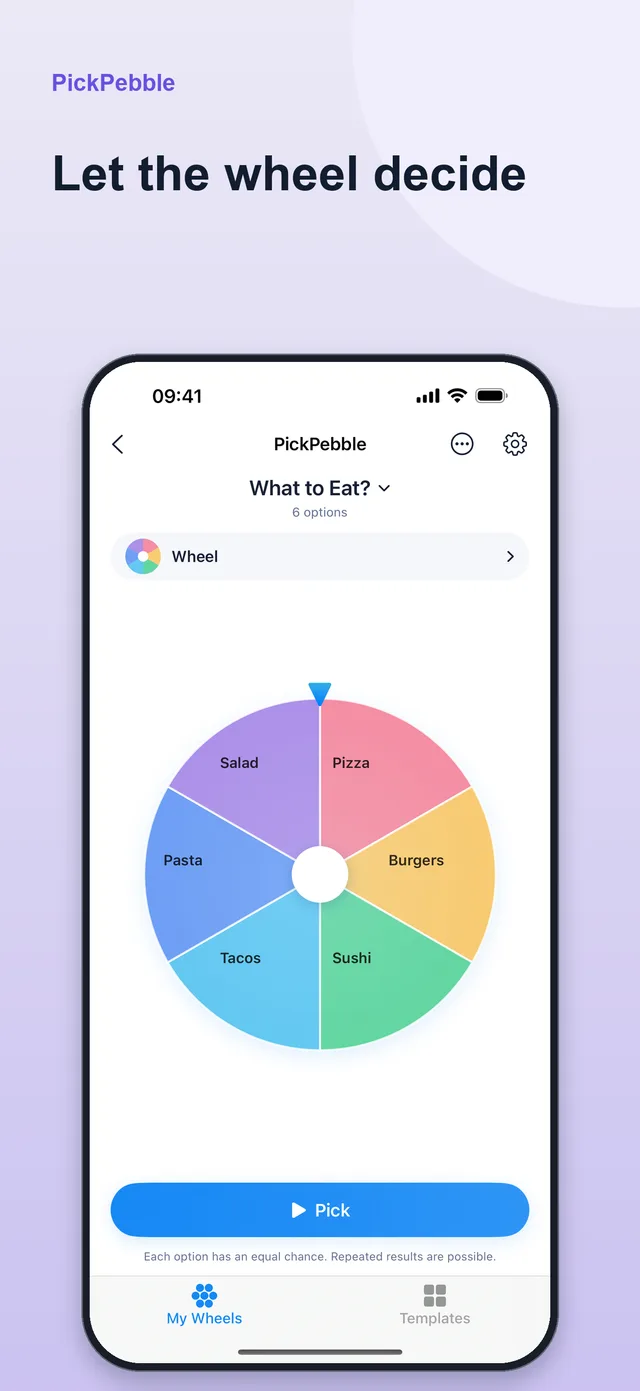
Start with choices everyone would accept
Agree on a short list of restaurants or movies first. When the wheel lands on sushi, order it if everyone is happy with the result. If someone immediately realizes they would rather have tacos, you have a specific preference to work with.
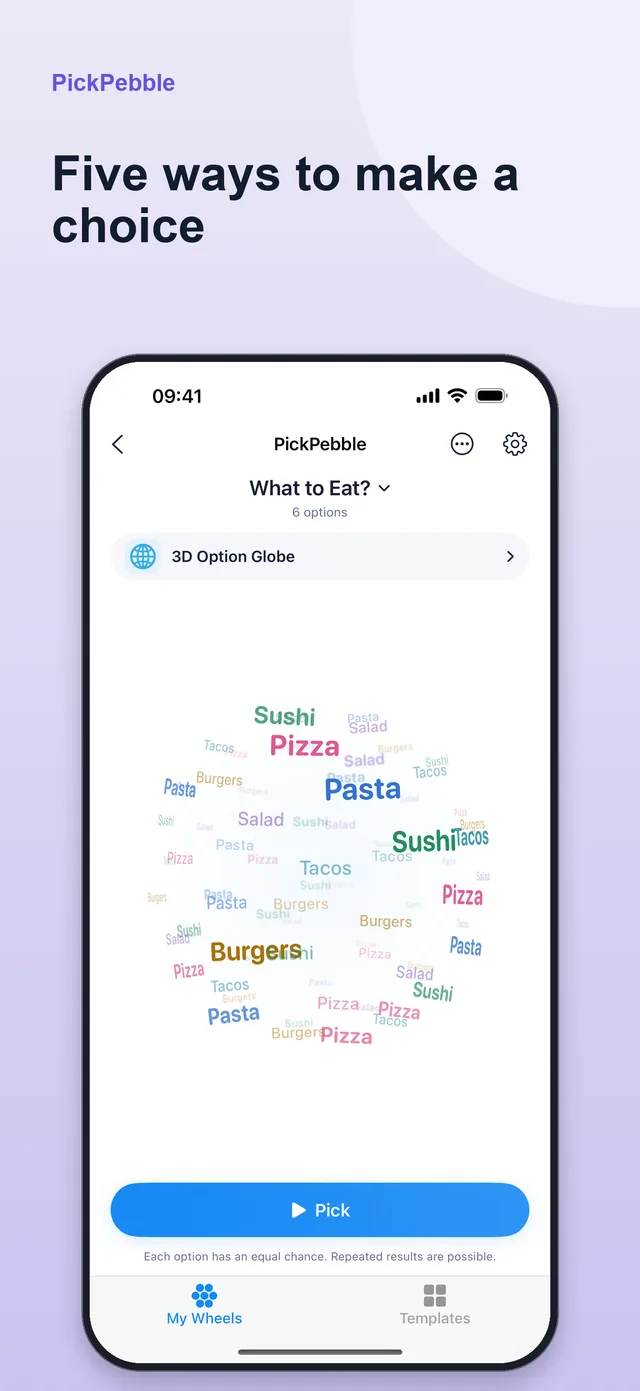
How to set up a pick in PickPebble
1. Create a list
Add 2–30 options on iPhone or iPad. Enter them individually, paste in a list, or edit a copy of a built-in template. Tap Pick to give every option the same chance. A second pick can return the same result.
2. Save lists you use regularly
Give each list a name so you can find it in My Wheels. Here are a few examples.
- “Wednesday Takeout” (Thai, Burritos, Burgers, Salad, Ramen)
- “Friday Movie Night” (Sci-Fi, Thriller, Comedy, Documentary)
- “Who Walks the Dog?” (Alex, Jordan)
- “Gym Workout Finisher” (Rowing, Kettlebell Swings, Burpees, Jump Rope)
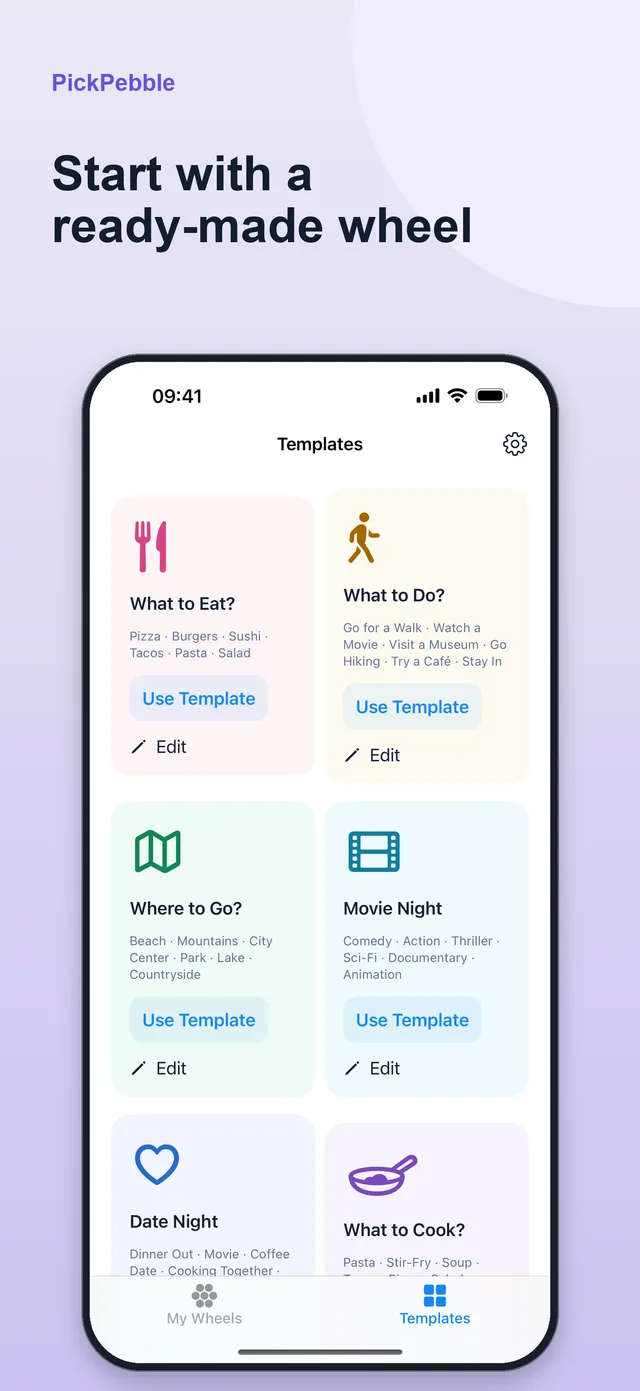
3. Choose how to reveal the result
Use the wheel, text reel, tag cloud, card shuffle, or 3D option globe. All five styles use the same selection rule.
All five styles are free and work offline. Optional App Store tips do not unlock features.
PickPebble: Decision Wheel
Save a list of 2–30 options and pick one at random on iPhone or iPad. Choose from a wheel, text reel, tag cloud, card shuffle, or 3D option globe.

Open in the App Store